HD Apeiron/42 & Nextimage Apeiron

ヒントとガイドライン

Tips and guidelines (pdf, English)

最適なスキャン結果を得る方法

HD Apeiron/42非接触型スキャナを使って、最適なスキャンをするためのコツやヒント、ガイドラインをまとめたものです。


これらはヒントとガイドラインですが、まず最初に知っていただきたい事実があります。

HD Apeiron/42のような高度なスキャナを使って実際にスキャンをするとき、「すべての人に当てはまる」スキャンの仕方があるというわけではありません。お客様がスキャンしようとしている原稿(スキャン対象物)もいろいろであれば、ハードウェアとソフトウェアの両方の設定と操作方法は様々であり、考慮すべき点も異なります。

スキャン結果が期待どおりでない場合は、別のプリセットを使用したり、設定を調整したり、ランプの向きを変えたりしてみてください。

ここに掲載する1分間のビデオが、少しでもHD Apeiron/42をうまく使いこなすためのお役に立てることを祈っています。
HD Apeiron/42 and Nextimage Apeiron Tips and guidelines

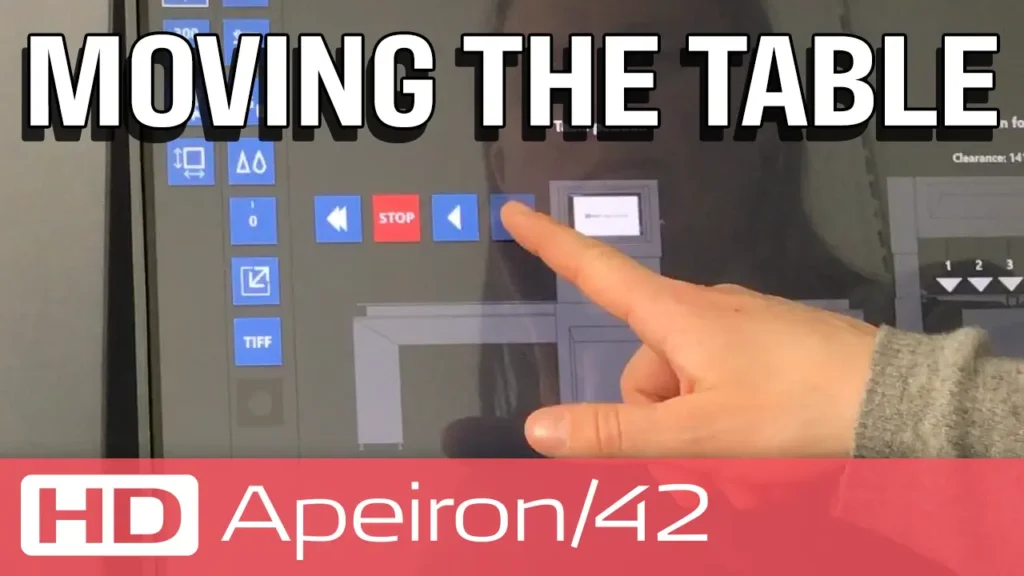
テーブルの移動

テーブルは、適時スキャン対象物を置いたり、取り除いたり、焦点を合わせるために移動させてください。

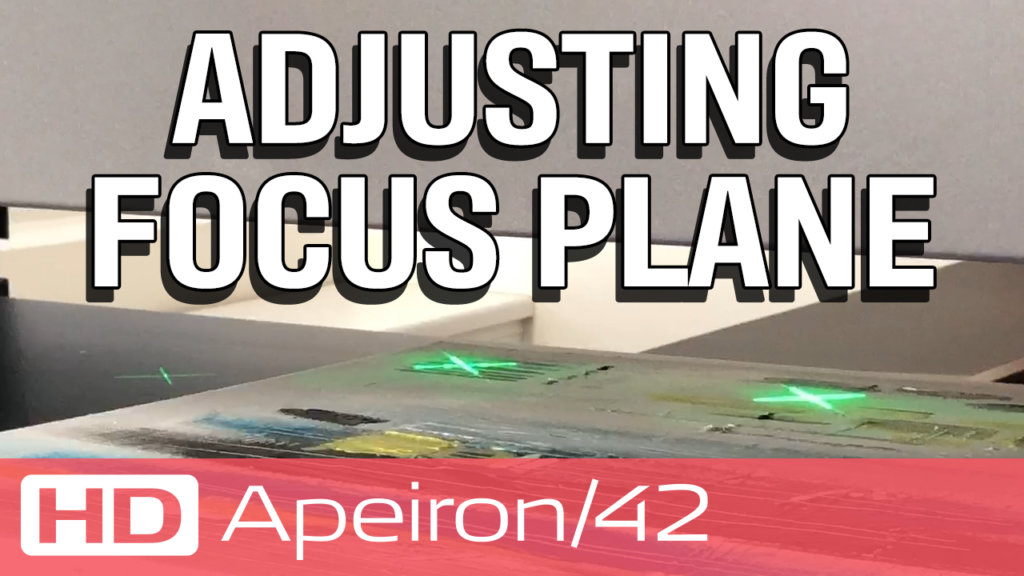
焦点を合わせる

HD Apeiron/42の被写界深度は、+/- 10 mmです。新しいスキャンの前には、必ず焦点を合わせます。テーブルから130 mm の高さの間で調整できます。

HD Apeiron/42 and Nextimage Apeiron Tips and guidelines

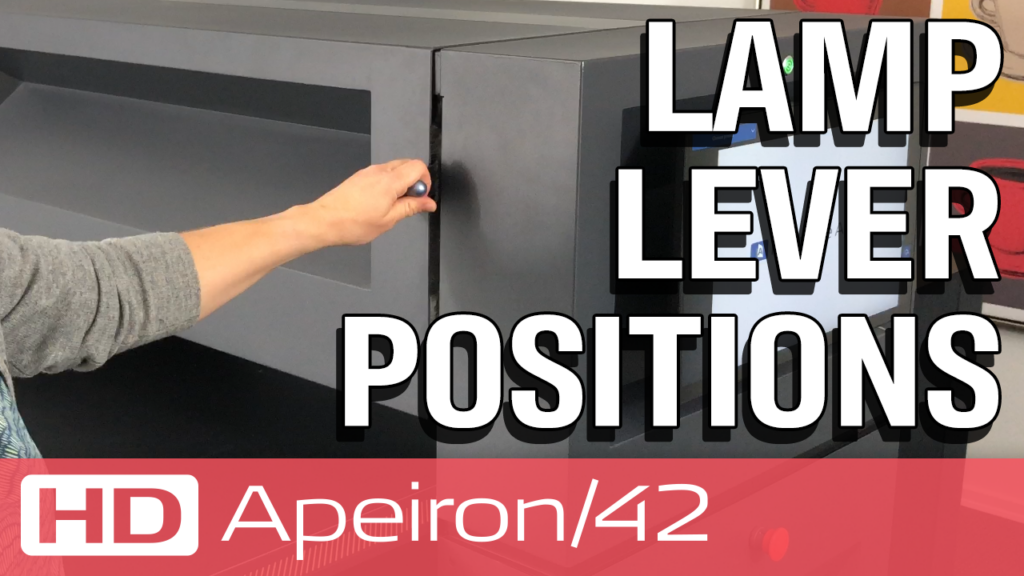
ランプレバーポジション

ランプの位置は4通りの組み合わせが可能で、それぞれ異なる角度の照明効果が得られます。原稿の表面状態や追加する3D効果に応じて、ランプの位置を変えることで、異なるハイライトと影の表現が可能になります。

HD Apeiron/42 and Nextimage Apeiron Tips and guidelines

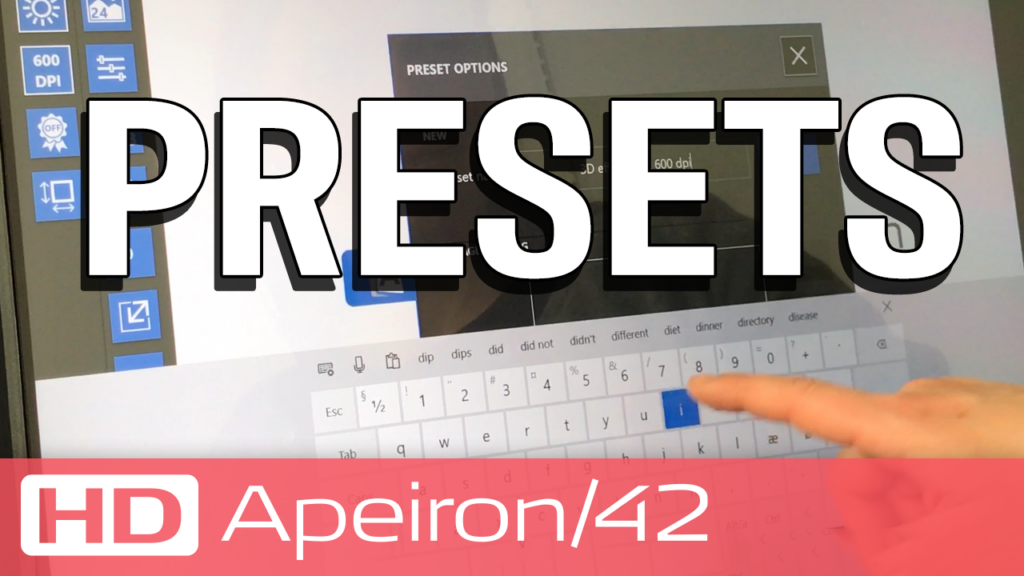
プリセット

デフォルトの 3 つのプリセットは、最も一般的な設定の組み合わせを表しており、そのどれかを選択するところから、独自の設定を作成するための開始点として使用します。

HD Apeiron/42 Tips: Import and export presets

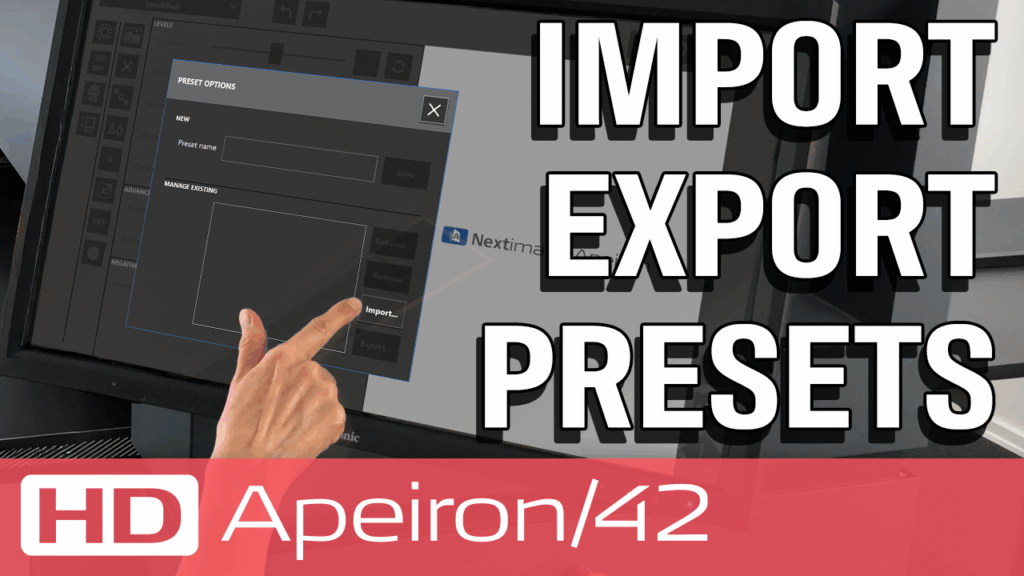
プリセットのインポートとエクスポート

Nextimage Apeironのプリセットは、簡単にインポートしたりエクスポートしたりできます。

HD Apeiron/42についてもっと知りたいですか?

製品ページでこの非接触スキャナの詳細をご覧ください。

Learn more
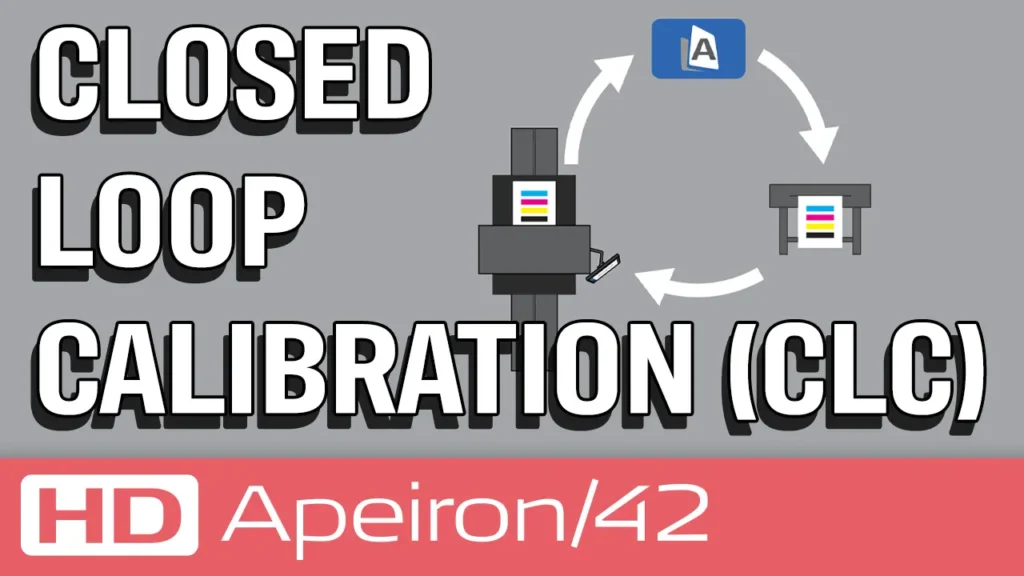
Closed loop calibration (CLC)

クローズドループキャリブレーション (CLC)

アート作品の複製には、HD Apeiron/42 スキャナとサポートする大判プリンタとのカラーマッチングを簡単に実現する、クローズドループキャリブレーション (CLC) 機能が有効です。

HD Apeiron/42 and Nextimage Apeiron Tips and guidelines

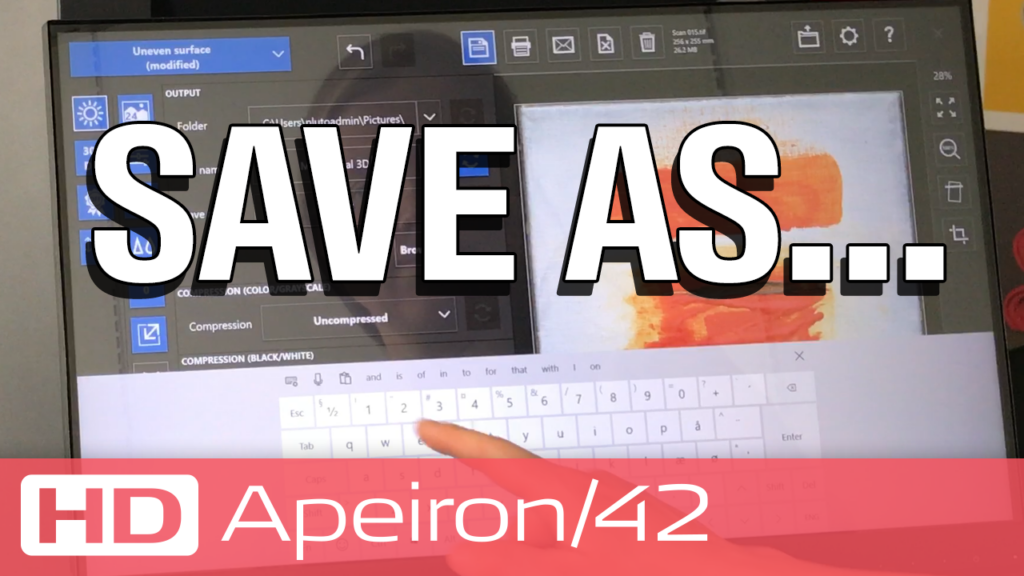
スキャンは一回で、いろいろな設定で保存

スキャン後の画像の変更は、別名で保存したり、上書き保存したりできます。再スキャンの必要はありません。

HD Apeiron/42 and Nextimage Apeiron Tips and guidelines

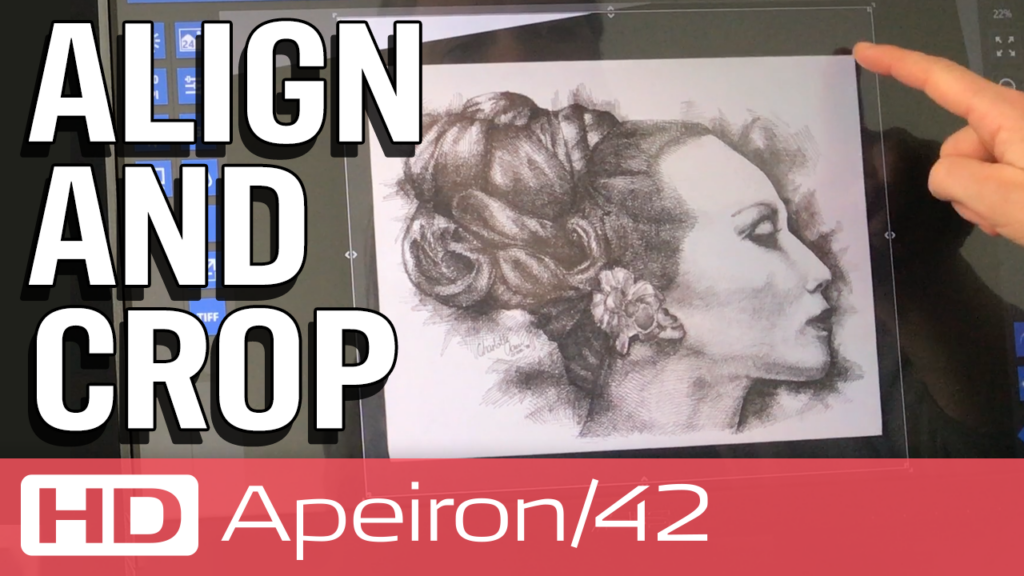
傾き補正とトリミング

ツールを使って簡単に傾き補正やトリミングが行えます。

HD Apeiron/42 and Nextimage Apeiron Tips and guidelines

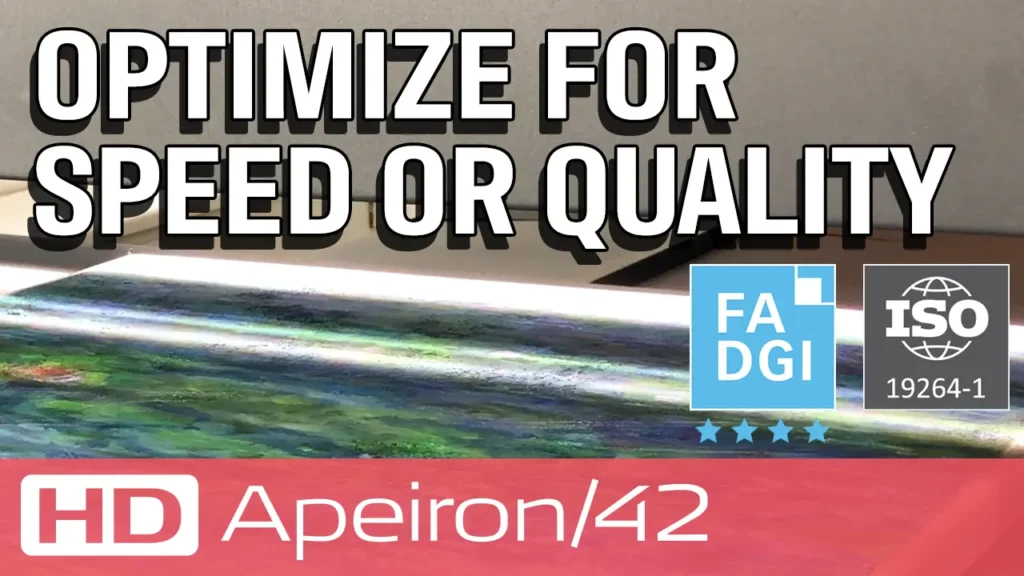
スキャン速度と品質の最適化

スピードモードによる最速スキャンと、品質モードで、ノイズを除去し、より正確なカラー表現を実現します。

お問い合わせ

販売代理店様のご紹介や製品に関する詳細説明、デモやスキャンサンプルのご依頼など、お気軽にお問い合わせください。

Contact us
HD Apeiron/42 and Nextimage Apeiron Tips and guidelines

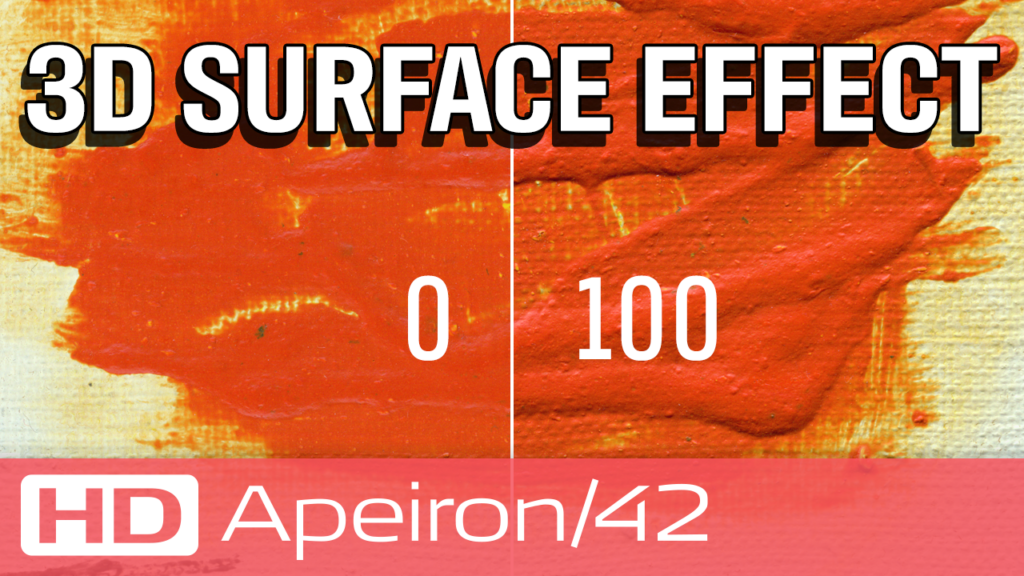
3D効果

3D効果を有効化すると、2次元ながら、まるで実物のような立体的な表現を可能にします。

HD Apeiron/42 and Nextimage Apeiron Tips and guidelines

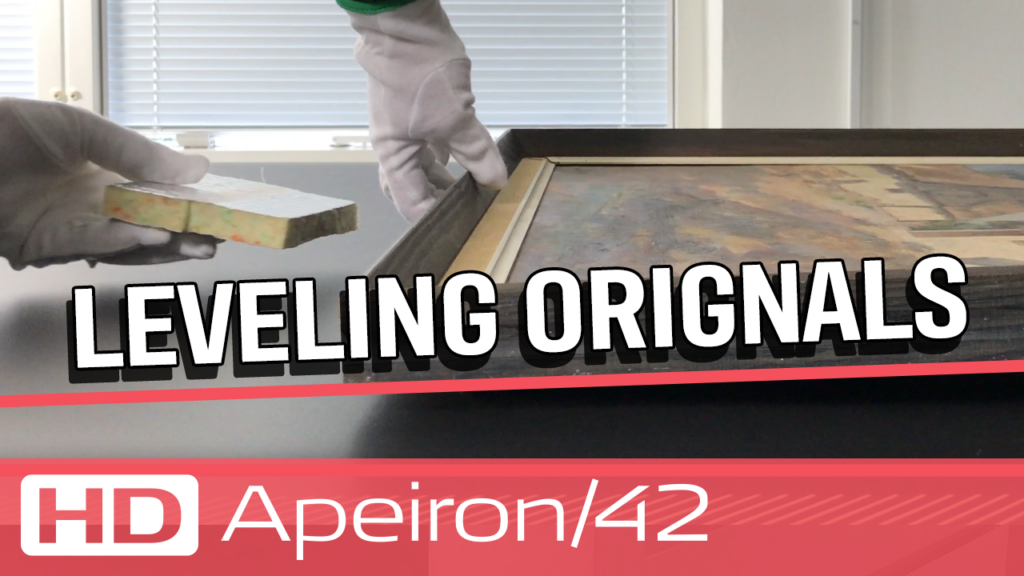
水平度を保つ

原稿によっては、テーブルに置いても水平にならない場合があります。例えば、絵画の額縁にフックがかかっている場合などです。このようなスキャン対象物の場合には、低い箇所に高さを調節するために何かを敷いて、できるだけ水平に保つことで、スキャン対象物全体が被写界深度内になるようにします。

HD Apeiron/42 and Nextimage Apeiron Tips and guidelines

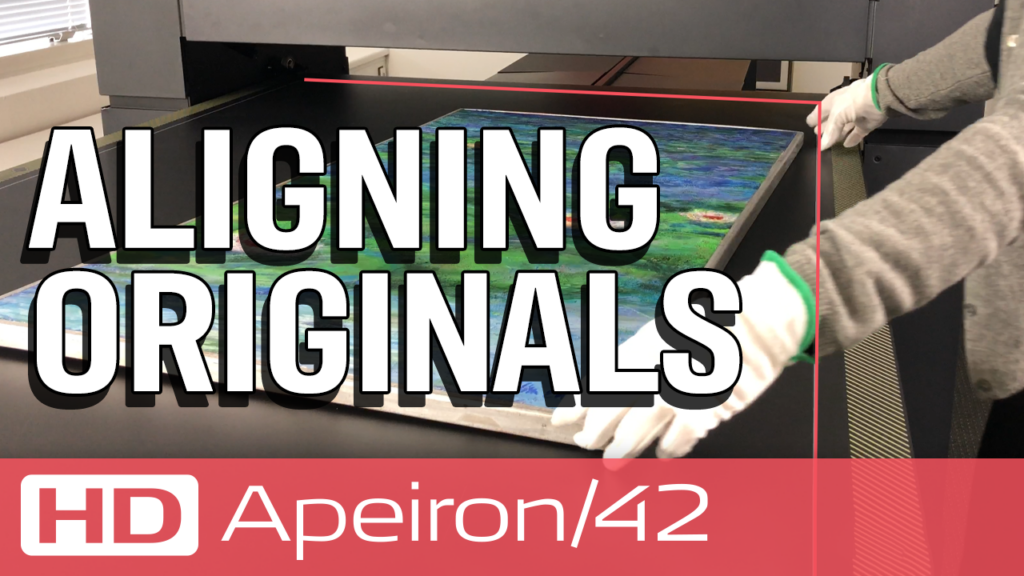
Aligning originals

Arrange your original on the table exactly as you wish it to be displayed. For most artworks the top of your original should align with the printed gray square on the table, which also marks the maximum scan area.

HD Apeiron/42 and Nextimage Apeiron Tips and guidelines

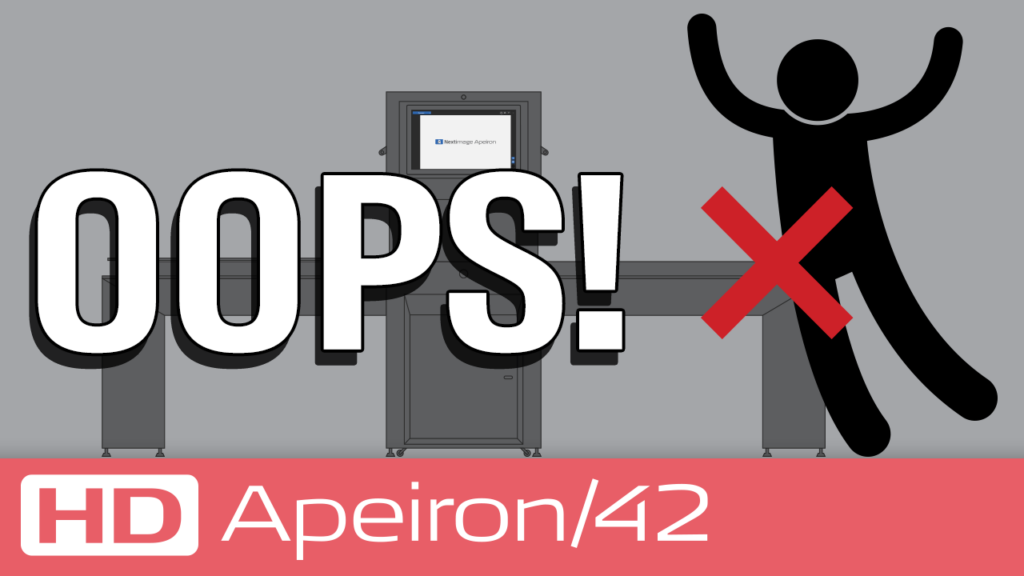
About bumps and temperature

What to do if you accidentally leaned on or bumped into HD Apeiron/42, and then see that your scans are not like you expected.

Visit our demo-room

See how scanning with HD Apeiron/42 result in high-quality images with extremely life-like surface sensations.

See samples
HD Apeiron/42 and Nextimage Apeiron Tips and guidelines

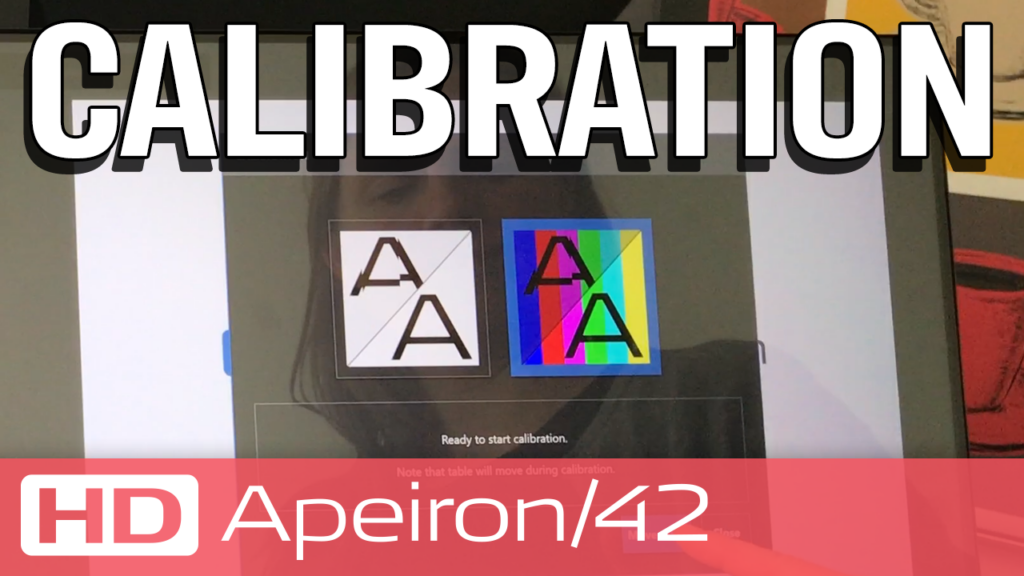
Calibration

If HD Apeiron/42 seems to perform below expectations, this issue may be resolved through calibration.

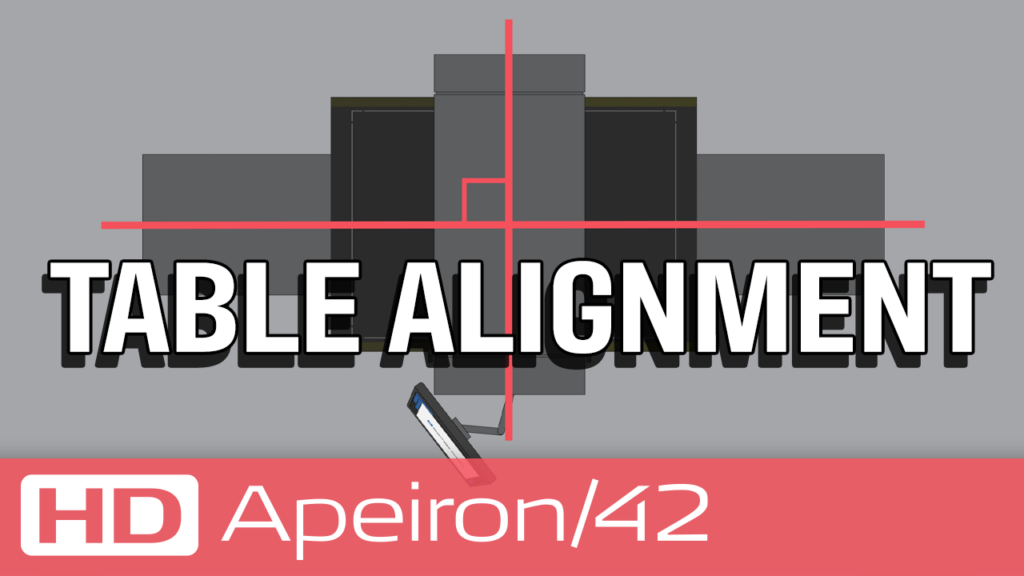
Table alignment

If the angle between the rail and the scan module is not correct, then every scanned line will be slightly angled relative to the original, leading to scanning result that may not meet expectations. Aligning the table ensures that the table rail is perpendicular to the scan module.

HD Apeiron/42 and Nextimage Apeiron Tips and guidelines

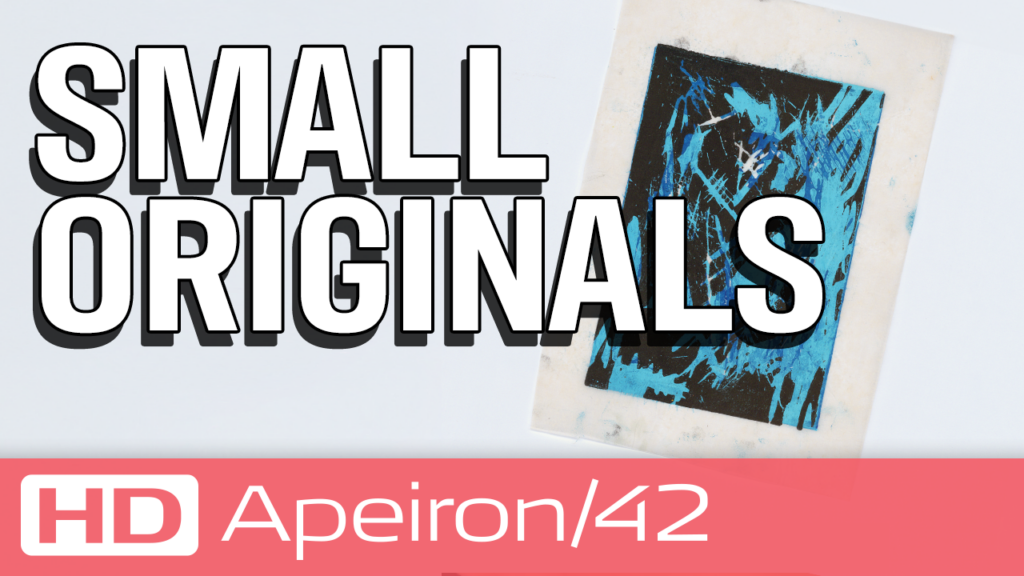
Small originals

The five lasers mark the overlap of the six cameras. By placing your original between the lasers, there is no need for the software to stitch two adjacent cameras. This ensures an absolute optimal scan.

HD Apeiron/42 and Nextimage Apeiron Tips and guidelines

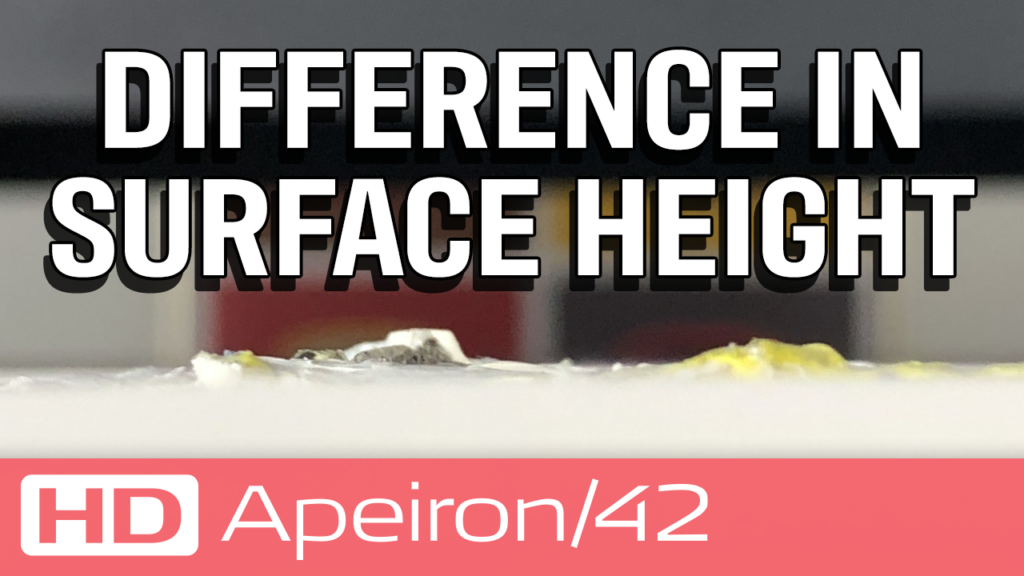
Difference in surface height

Scanning originals that span multiple cameras requires stitching, and it is important that the greatest variations in surface elevation are not located along the stitching lines during scanning.

Nextimage Apeiron

Even though the Nextimage Apeiron software is highly complex, it is tailored for your ease of operation, and the scanning is actually quite simple.

Software

Download and print

Get all the tips and guidelines for optimal scanning results with HD Apeiron/42.

PDF, English